To set a desired background color for the processed image, use the -b or --background <color> option.
Detailed information on handling background color in IDPhoto Remove Background can be found in the Single image processing -> Background Color section.
Example:
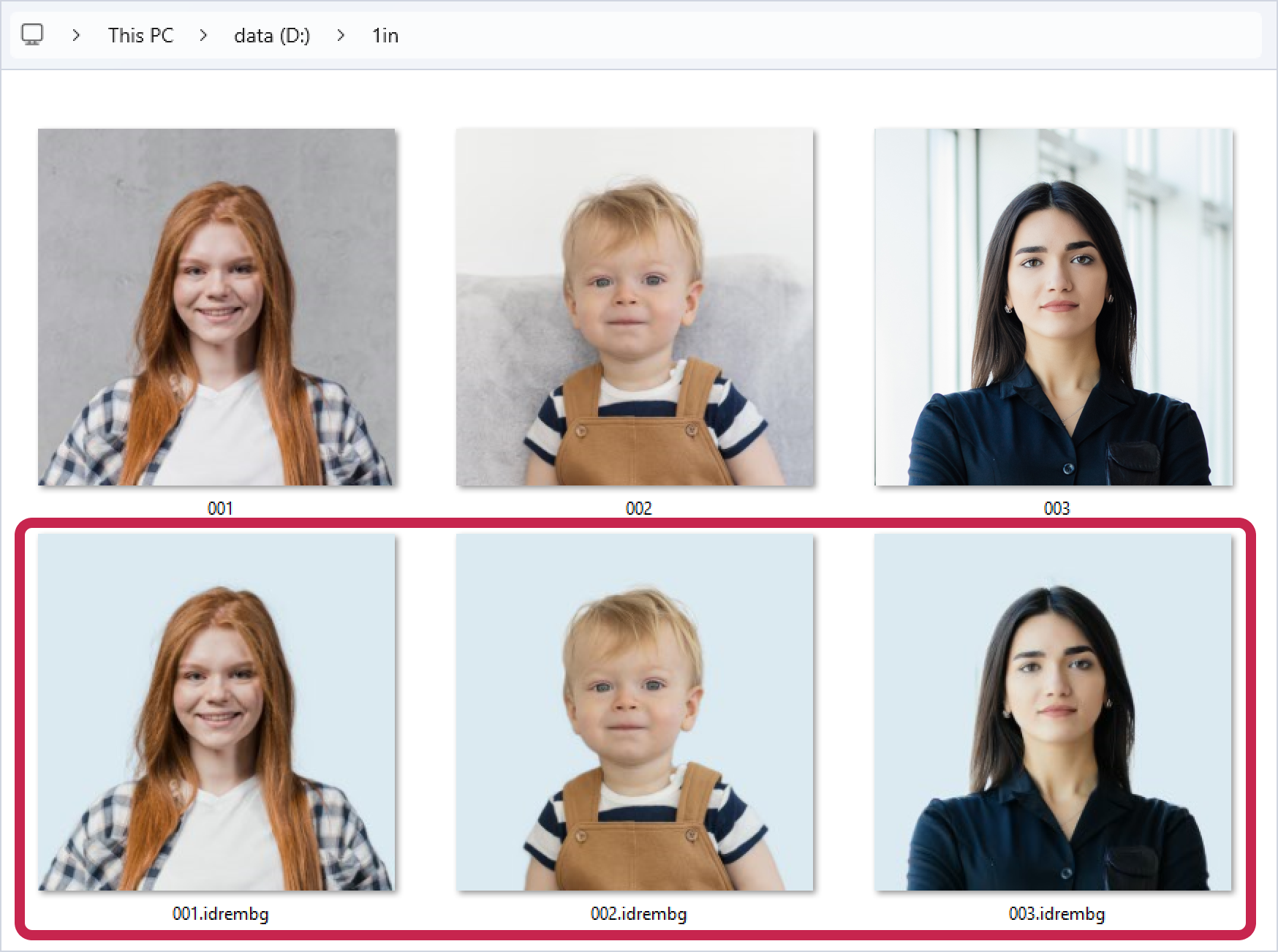
In the folder D:\1in there are images: 001.jpg, 002.jpg, 003.jpg. Let's start processing the D:\1in folder and use the -b key to set the background color to light blue (#D0E3EF or rgb(208,227,239)).
HEX
>idrembg --in-dir "D:\1in" -b #D0E3EF |
RGB
>idrembg --in-dir "D:\1in" -b rgb(208,227,239) |
As a result, the following processed images will be created in the D:\1in folder: 001.idrembg.jpg, 002.idrembg.jpg, 003.idrembg.jpg with light blue background color, as we specified in the -b key.