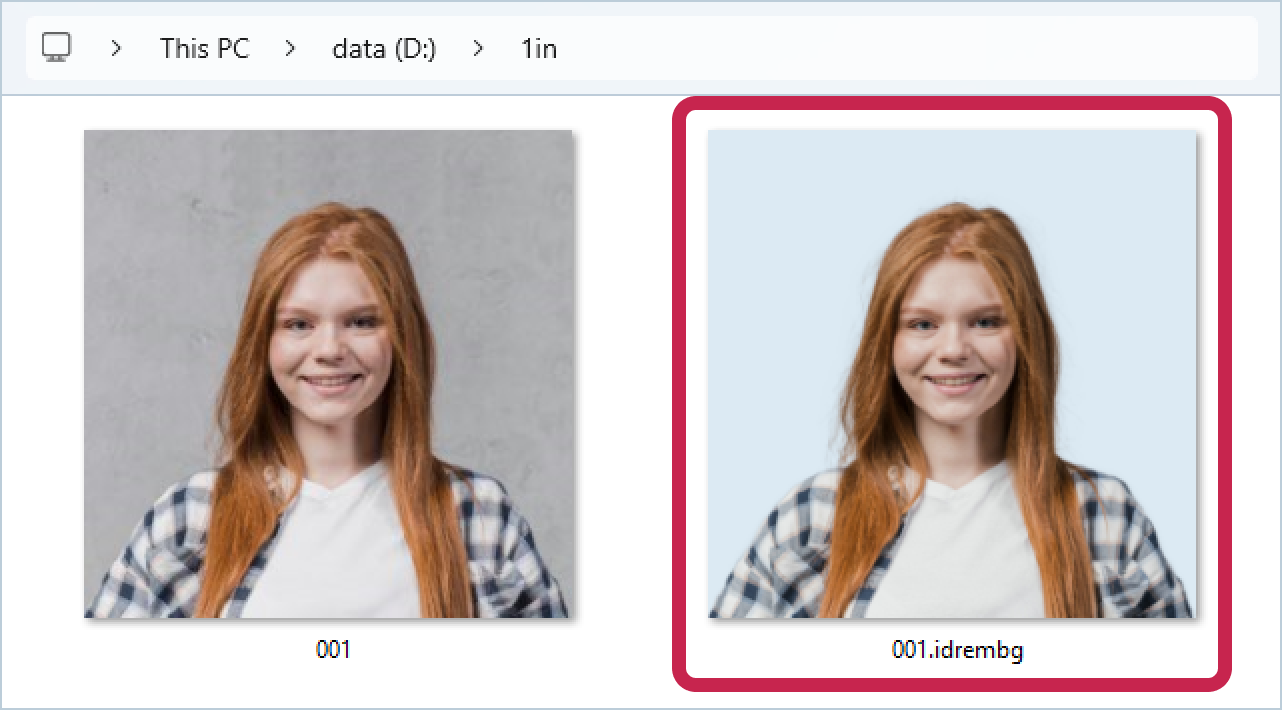
To set a background color on the processed image, use the -b or --background <color> option. The color can be specified in any CSS-supported format, including those with transparency (alpha channel), such as hex, rgb (rgba), hsl (hsla), and named colors.
A list of colors commonly used as backgrounds in ID photos is provided at the end of the manual.
Example:
Let's process file 001.jpg and specify that the background in the output image should be a light blue color:
HEX
>idrembg -i "D:\1in\001.jpg" -b #DCEAF5 |
RGB
>idrembg -i "D:\1in\001.jpg" -b rgb(220,234,245) |
This command line will create a processed image 001.idrembg.jpg with a light blue background in the D:\1in package.