IDPhoto Remove Background is a console application designed to replace background on ID photos. Below is an example command line to process a file.
Copy and use it to process your photo (specify your paths for the -i and -o keys).
|
To copy, select the code and press Ctrl +C. |

Example:
>idrembg -i "D:\1in\001.jpg" -o "D:\2out\001.jpg" --background rgb(188,188,216) |
-i – path to the source image
-o – path to the folder where you want to save the processed image
--background – background color
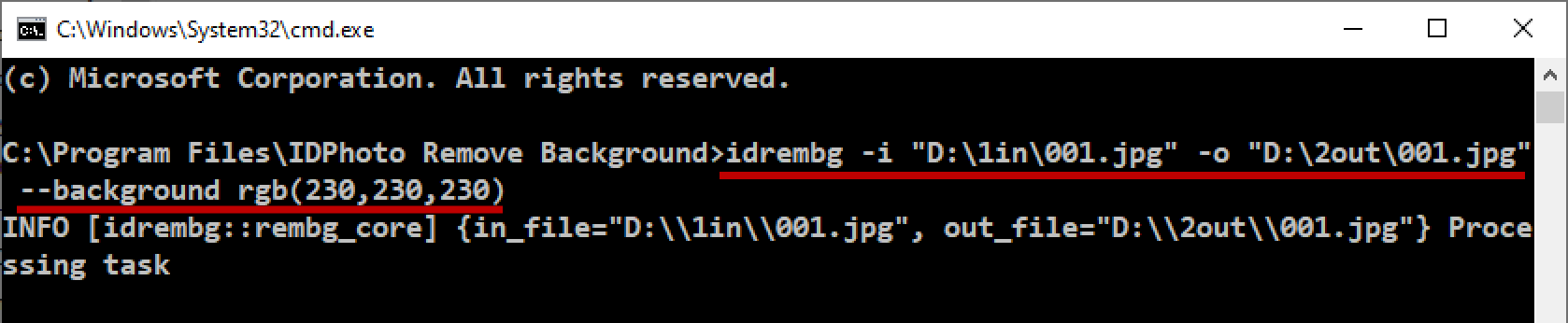
The command will save the processed image to the folder specified in the -o key.
Source photo: |
Processed photo: |
|
|


Further in this document you will find instructions and examples to quickly get started with IDPhoto Remove Background.