The application can be directed to save the processed images to a specific location. Add the key --out-dir <folder path> to the command line to specify the desired folder path.
Example:
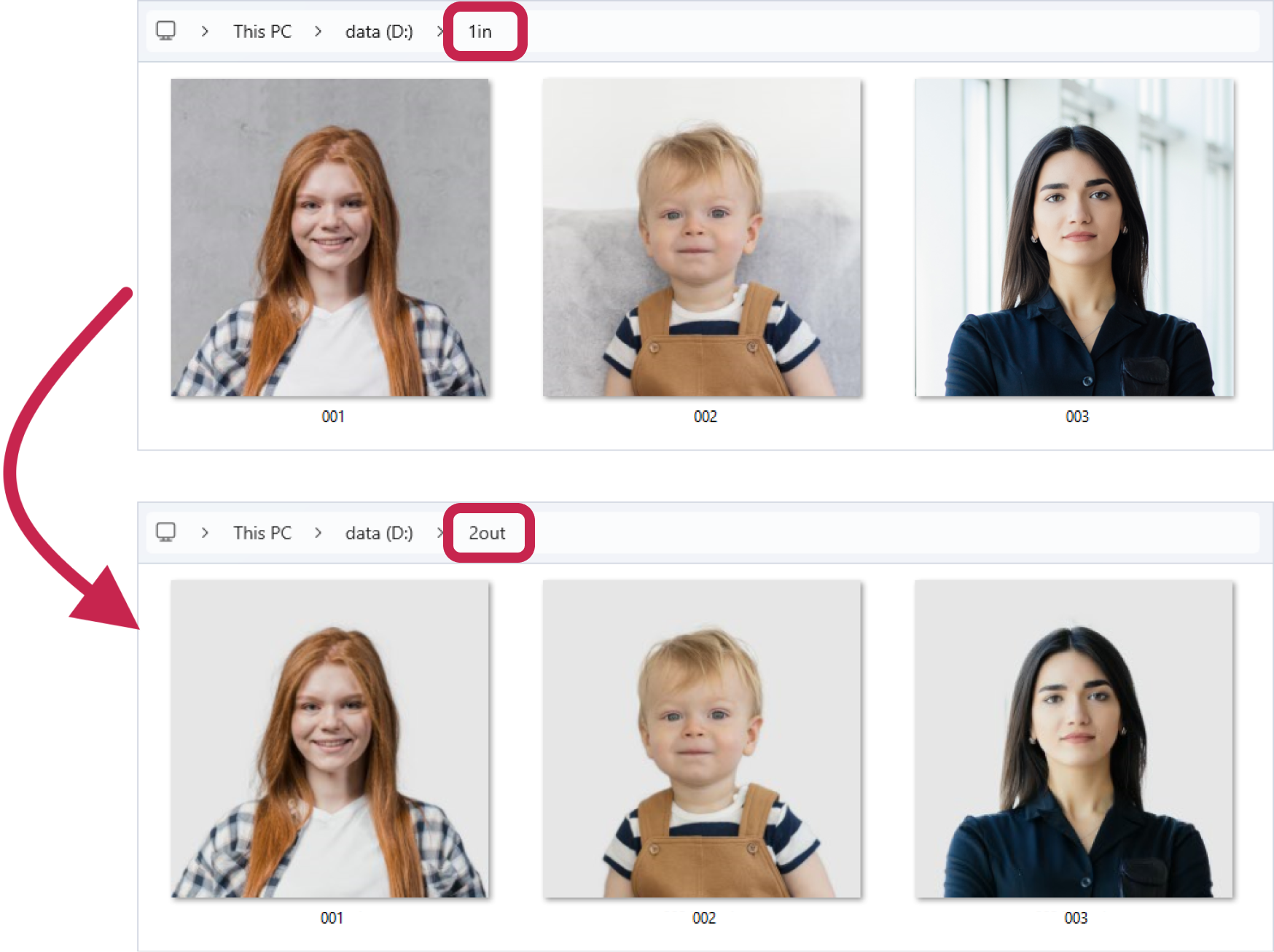
The images in the D:\1in folder are 001.jpg, 002.jpg, 003.jpg. Let's start processing the D:\1in folder and save the processed images to the D:\2out folder using the --out-dir key:
>idrembg --in-dir "D:\1in" --out-dir "D:\2out" |
As a result of executing this command line, only the original files will remain in the D:\1in folder, and the processed files: 001.jpg, 002.jpg, 003.jpg will be saved in the D:\2out folder. Note that the names of the processed files in the D:\2out folder do not contain the .idrembg suffix.
The background color of the processed images will default to light grey. As mentioned earlier, this color is automatically applied if no other color is specified.