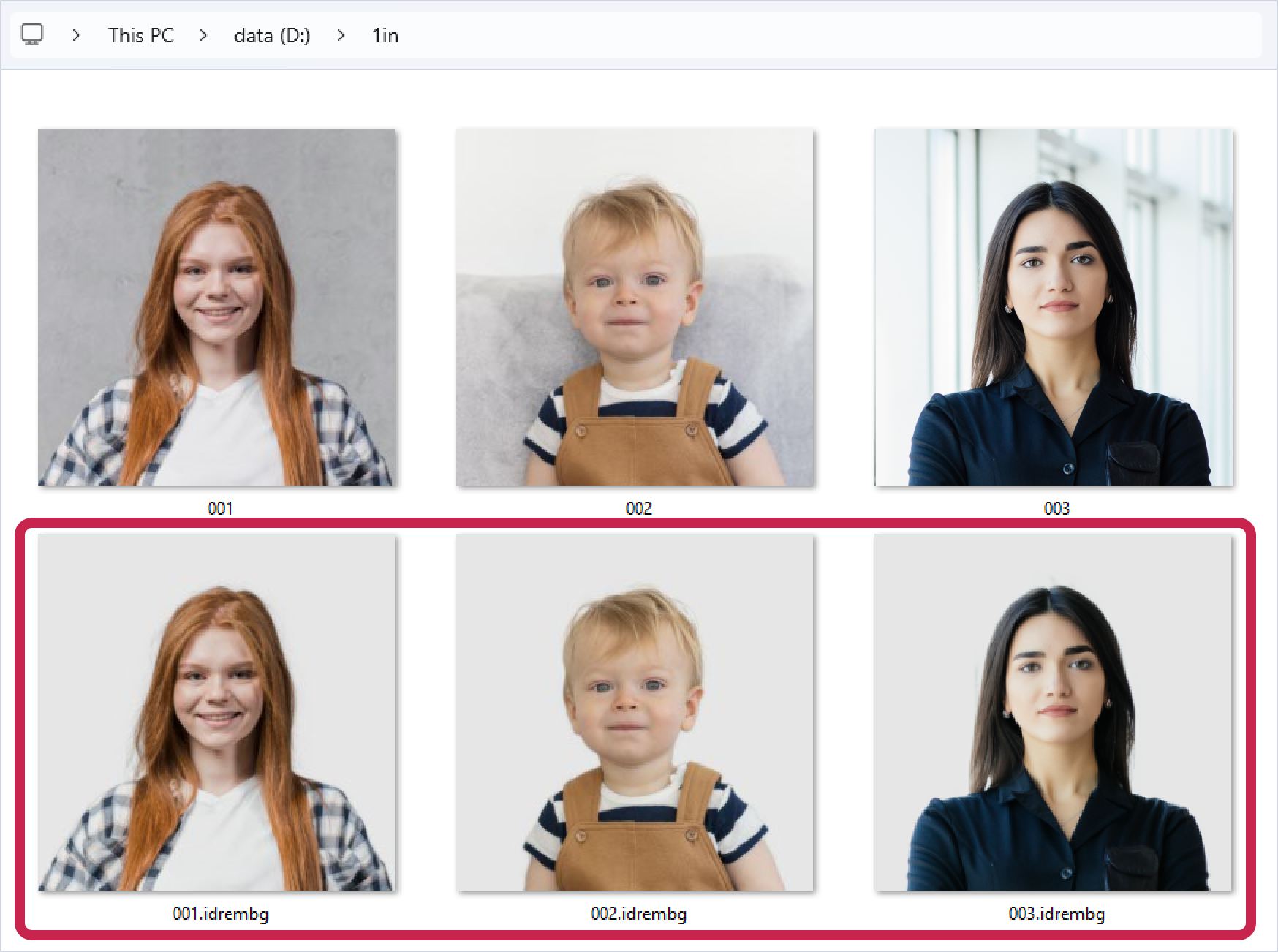
To avoid processing each image individually, you can use IDPhoto Remove Background to process an entire folder of images at once. All files in the folder with extensions such as jpg, jpeg, png, webp, bmp, tif, and tiff will be processed in a single operation. Simply use the --in-dir <path to the folder with source images> key to specify the path to the folder.
Example:
In the folder D:\1in there are images: 001.jpg, 002.jpg, 003.jpg. Let's start processing D:\1in with the --in-dir key:
>idrembg --in-dir "D:\1in" |
This command line will create the processed files 001.idrembg.jpg, 002.idrembg.jpg, 003.idrembg.jpg in the D:\1in folder.
The background color of the processed photos will be set to light grey. This color is always set if no other color is set.