The utility can be configured to save the processed image to a specified folder, with a particular name and format, by using the -o (or --out-file) key.
Example:
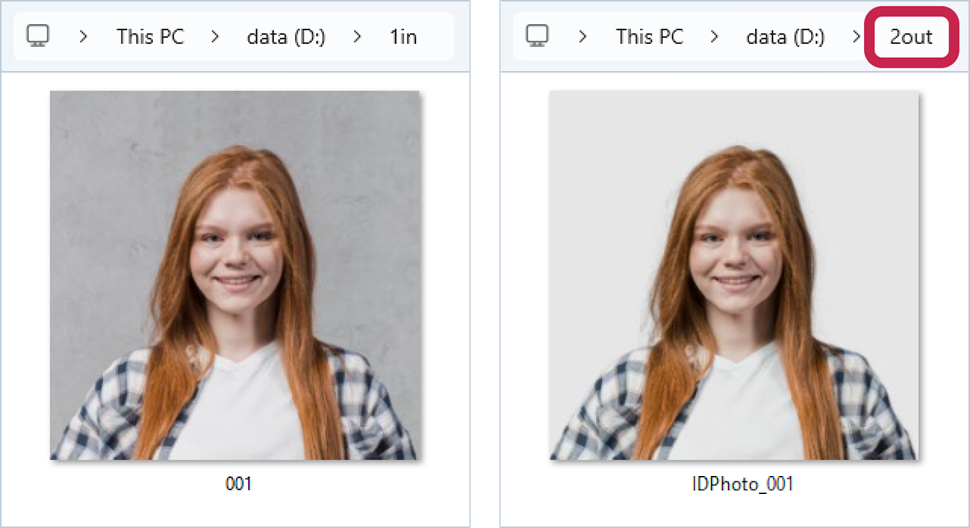
In the folder D:\1in there is a file 001.jpg, let's process it, and in the key -o set the folder where to save the processed file – D:\2out, its name and format – IDPhoto_001.png.
>idrembg -i "D:\1in\001.jpg" -o "D:\2out\IDPhoto_001.png" |
or
>idrembg --in-file "D:\1in\001.jpg" --out-file "D:\2out\IDPhoto_001.png" |
As shown in the screenshot below, the processed file is saved with the name and format specified in the value of the -o (or --out-file) key.
As previously mentioned, if the background color is not specified, the application defaults to setting it to light grey.