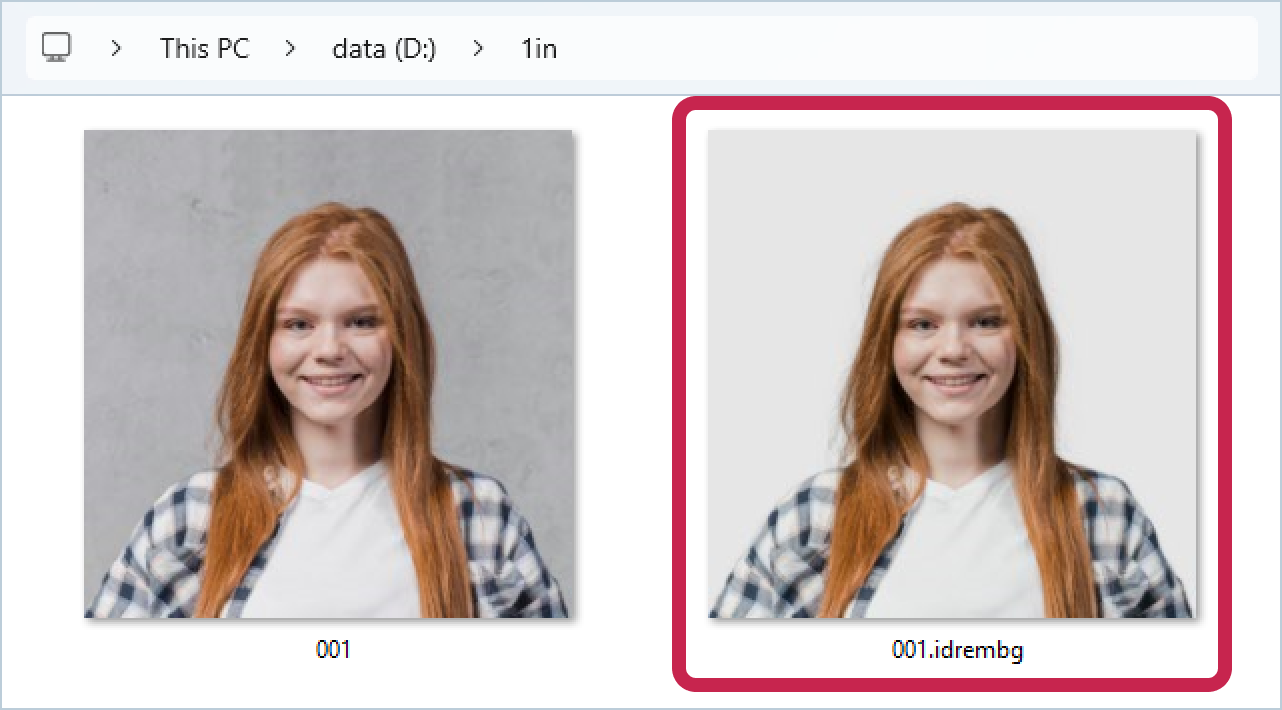
To replace the background in an image, you just need to run the application with a one key -i (or -in-file) <path to source file>.
Example:
Let's start processing the 001.jpg file located in the D:\1in folder:
>idrembg -i "D:\1in\001.jpg" |
or
>idrembg --in-file "D:\1in\001.jpg" |
This command line will create a processed image next to the original image in the D:\1in folder. The name of the processed image will consist of the name of the original image and the suffix .idrembg - 001.idrembg.jpg.
The background color will be changed to light grey (rgb(230,230,230,230)). This color is always set by the application unless the key -b (--background) is specified.